How to Download Kuaishou Videos on iPhone
Complete guide for iPhone users to download Kuaishou and Kwai videos without installing any apps. Works on all iOS devices with Safari.
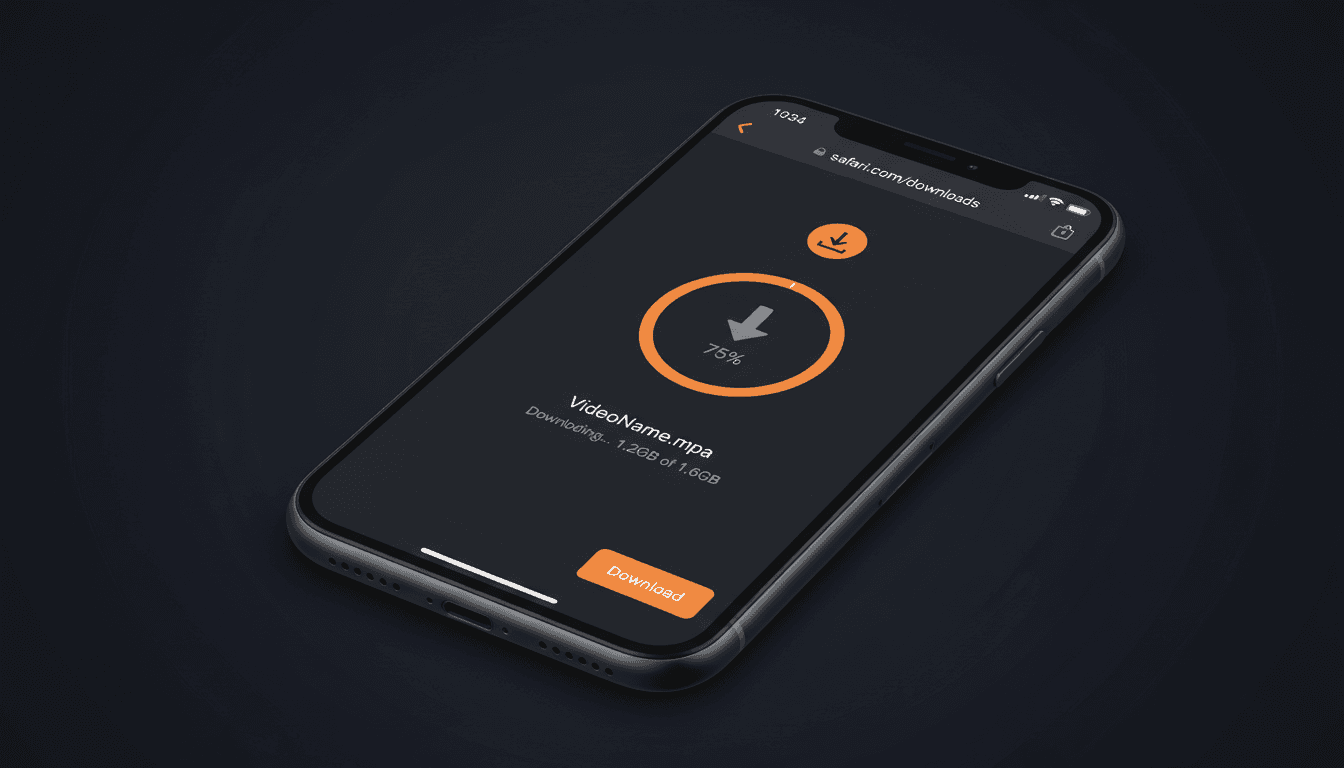
iPhone-Specific Download Method
Downloading Kuaishou videos on iPhone is straightforward with our browser-based tool. Unlike some platforms that require dedicated apps, our downloader works directly in Safari or any iOS browser, making it accessible and convenient for all iPhone users.
iOS Compatible
Works on all iPhones
No App Needed
Browser-based solution
Simple Process
3 easy steps
Step-by-Step: Download Kuaishou on iPhone
Open Kuaishou App
Launch the Kuaishou or Kwai app on your iPhone. Navigate to the video you want to download.
Copy the Video Link
Tap the share button (usually three dots or an arrow icon). Select "Copy Link" from the sharing menu. The video URL is now copied to your clipboard.
Visit Our Downloader
Open Safari (or your preferred iOS browser) and go to KuaishouDownloader.com. Tap the input field and paste the copied link.
Download & Save
Tap the "Download Video" button. Once processed, tap "Save Video" and the file will download to your iPhone. To save to Photos, tap the share icon and select "Save Video".
Saving Videos to iPhone Photos App
After downloading the video file in Safari, you have two options for saving it on your iPhone:
- Direct Save (iOS 13+): When the download completes, tap the download icon in Safari, long-press the video file, and select "Save to Photos" if available.
- Via Files App: Open the Files app, locate the downloaded video in the Downloads folder, tap the share icon, and choose "Save Video" to add it to your Photos library.
Troubleshooting iPhone Download Issues
Video Won't Download
Make sure you're using Safari or a compatible browser. Some browsers on iOS have restricted download capabilities. Try clearing your browser cache and attempting the download again.
Can't Find Downloaded Video
Check the Files app under "Downloads" or "On My iPhone". Videos don't automatically save to Photos on newer iOS versions—you need to manually move them.
Download Stops Midway
Ensure you have a stable internet connection. Large videos may take time to download—keep Safari open in the foreground during the download process.