How to Save Kuaishou Videos on Android
Complete guide for Android users to download and save Kuaishou and Kwai videos directly to their device's gallery without installing apps.
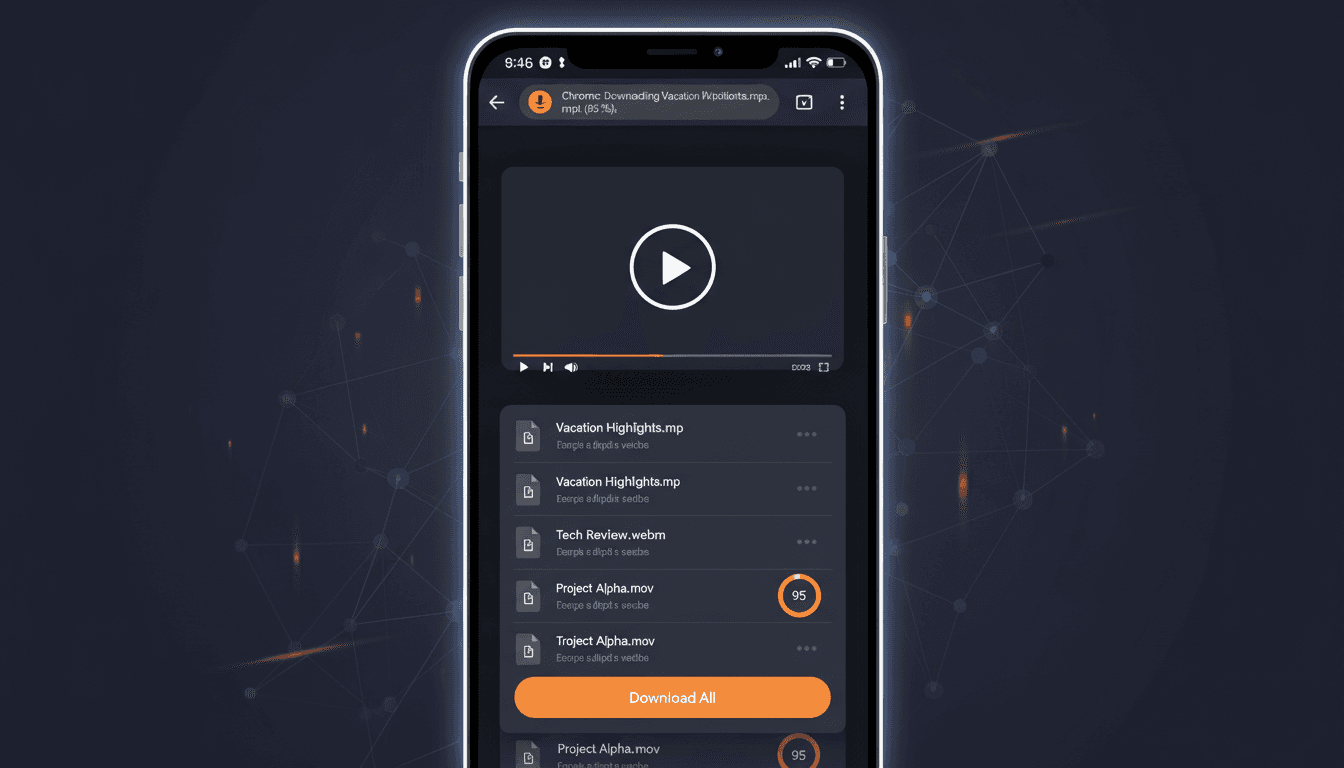
Android Download Advantages
Android devices offer more flexibility when it comes to downloading content from the web. Unlike some platforms, Android allows direct file downloads through browsers, making it simple to save Kuaishou videos without needing dedicated apps or workarounds.
All Android Devices
Works on any Android phone or tablet
Easy File Access
Direct access to downloaded files
Multiple Browsers
Chrome, Firefox, Samsung Internet
Step-by-Step: Save Kuaishou Videos on Android
Open Kuaishou App
Launch the Kuaishou or Kwai app on your Android device. Browse to find the video you want to save. Make sure the video is publicly available.
Share and Copy Link
Tap the share button (three dots or share icon) on the video. Select "Copy Link" from the sharing options. You'll see a brief notification confirming the link is copied.
Open Chrome Browser
Open Google Chrome (or your preferred Android browser like Firefox or Samsung Internet). Navigate to KuaishouDownloader.com and paste the copied link into the download field.
Download to Android
Tap the "Download Video" button. Once the video is processed, tap "Save Video" and the MP4 file will download to your device's Download folder.
Access in Gallery
Open your Gallery app or Files app to find the downloaded video. It should appear automatically in your video library or Download folder.
Managing Downloaded Videos on Android
Once downloaded, you can manage your Kuaishou videos through various Android apps:
- •Gallery App: Most videos automatically appear here. You can create albums to organize your Kuaishou downloads.
- •Files/File Manager: Navigate to the Download folder to rename, move, or delete videos.
- •Google Photos: If you use Google Photos, downloaded videos can be backed up to the cloud automatically.
- •Video Players: Use VLC, MX Player, or the default video player to watch downloaded content offline.
Changing Download Location on Android
To save Kuaishou videos to a different location (like your SD card):
- Open Chrome and tap the three-dot menu (top right)
- Go to Settings → Downloads
- Tap "Download location"
- Choose between "Internal storage" or "SD card"
- Future downloads will save to your selected location
Troubleshooting Android Downloads
Video Not Appearing in Gallery
Wait a few moments and check again—Android sometimes needs time to index new files. Alternatively, open your file manager, find the video in Downloads, and manually move it to DCIM/Camera.
Download Permission Denied
Go to Settings → Apps → Chrome (or your browser) → Permissions and ensure "Storage" permission is enabled.
Insufficient Storage Space
Free up space on your device or change the download location to your SD card if available.